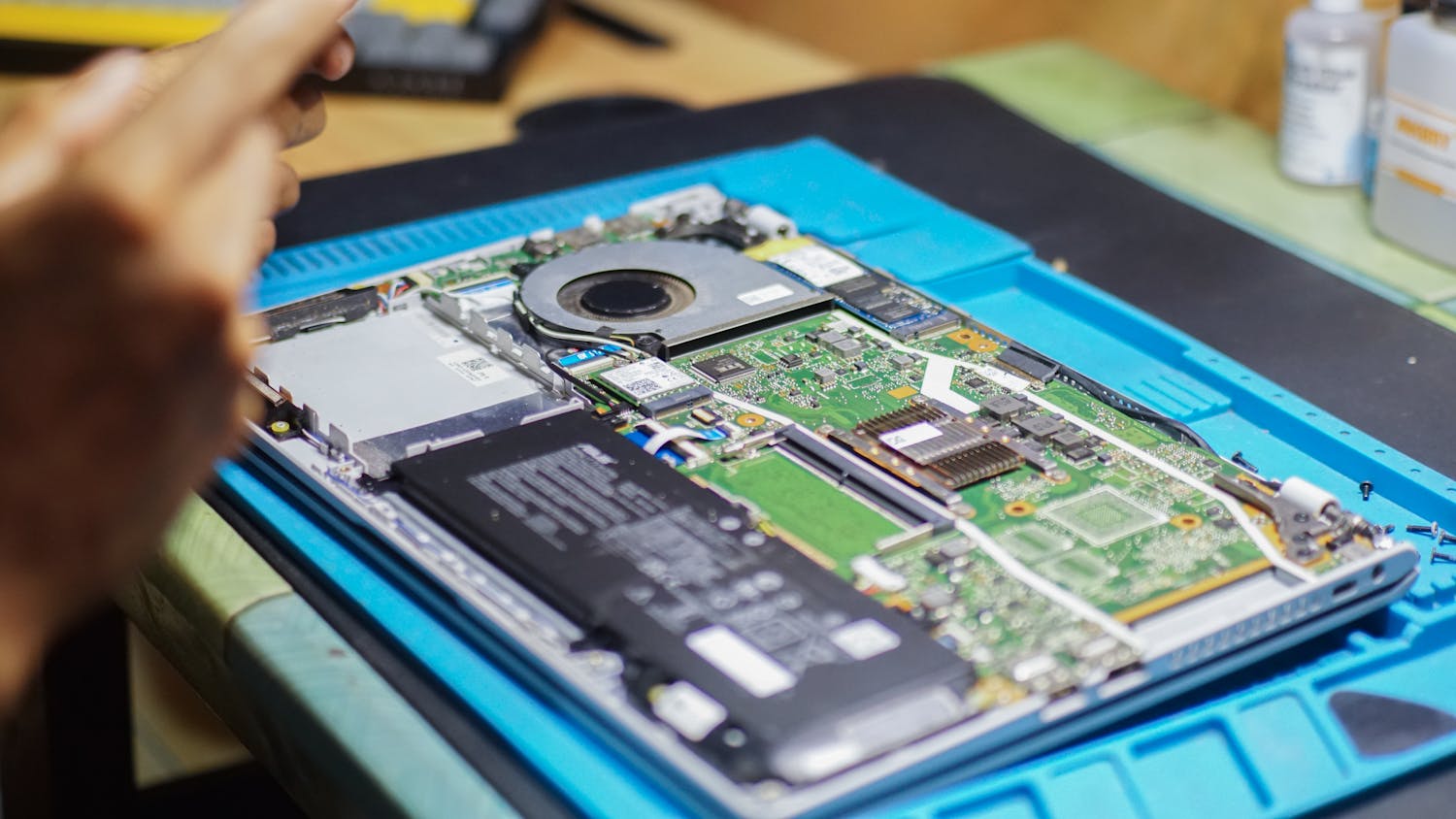
Common Laptop Hardware Problems and How to Fix Them
A breakdown of the top 5 issues that plague laptops and the step-by-step solutions to resolve them at home.
Read Guide
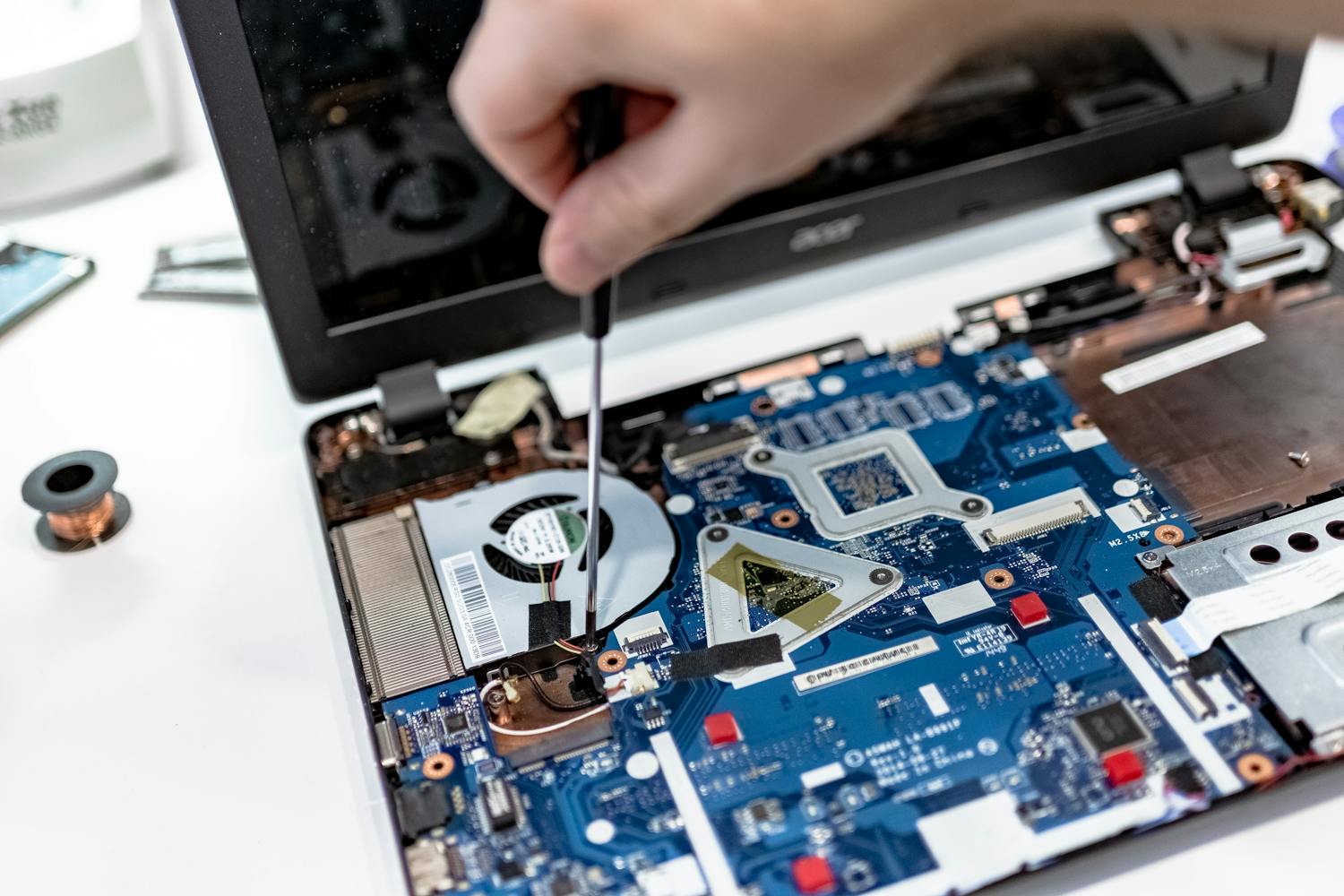
Stop paying for expensive repairs. Learn the practical, hands-on skills to diagnose and fix any laptop hardware issue—even if you've never opened one before.
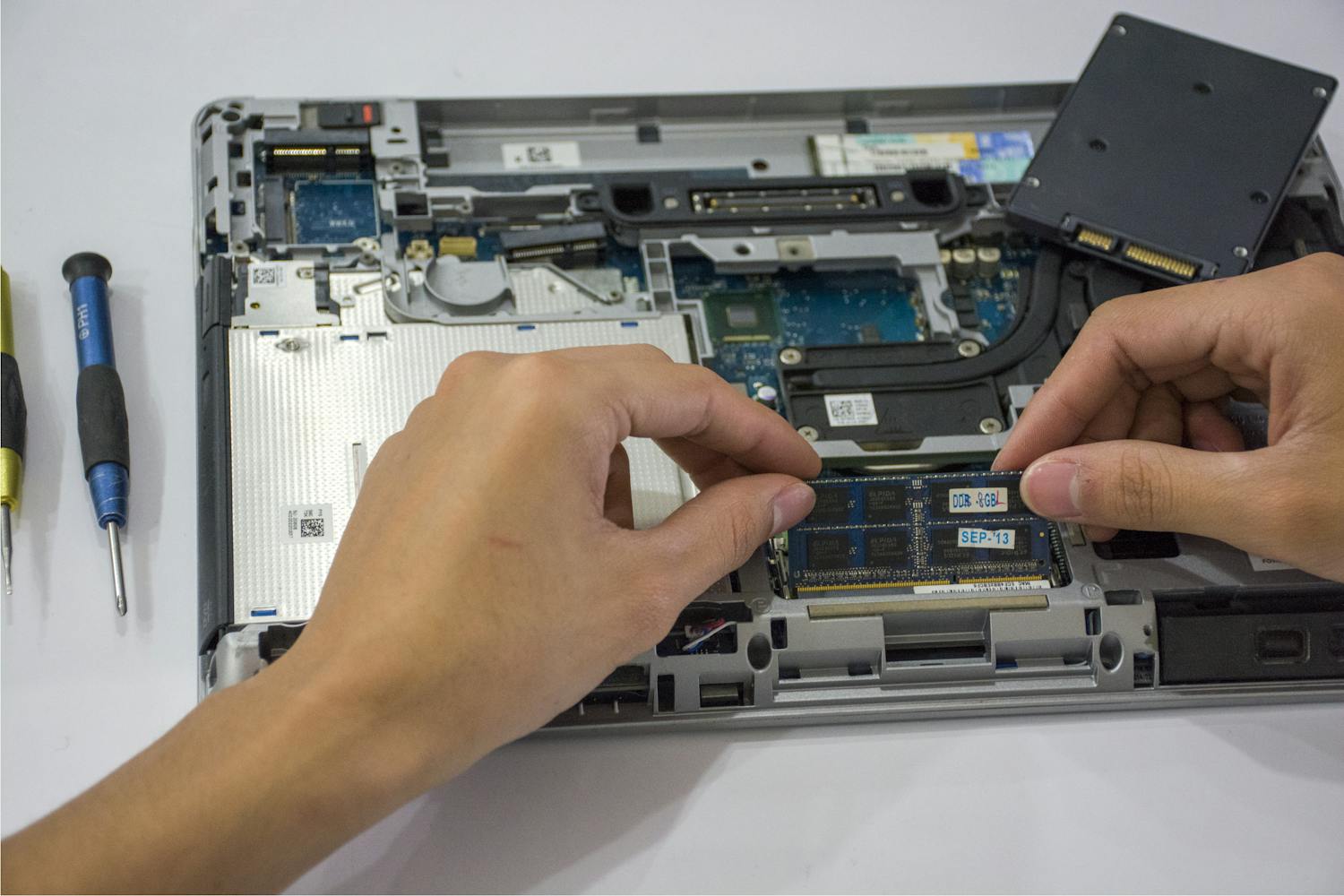
We didn't create this course to be just another corporate training module. We created it because we've seen too many people throw away perfectly good laptops—or get overcharged for simple fixes—just because they didn't have the right guidance.
This course is for the DIY enthusiast, the budget-conscious student, and the aspiring entrepreneur. We walk you through every screw, every cable, and every chip with HD video lessons that feel like we're right there at the workbench with you.
From basic maintenance to complex hardware surgery, we cover it all.
Learn the safe way to replace cracked screens, dead batteries, sticky keyboards, and faulty trackpads without damaging the chassis.
Move beyond simple swaps. Understand how to identify motherboard failures and handle complex internal hardware issues like a pro.
Discover the exact tools you need—and the ones you don't. We show you how to use multi-meters, spudgers, and precision drivers safely.
Learn how to extend laptop life through deep cleaning, thermal paste re-application, and cooling system optimization techniques.
Practical advice to keep your tech running smoothly.
A breakdown of the top 5 issues that plague laptops and the step-by-step solutions to resolve them at home.
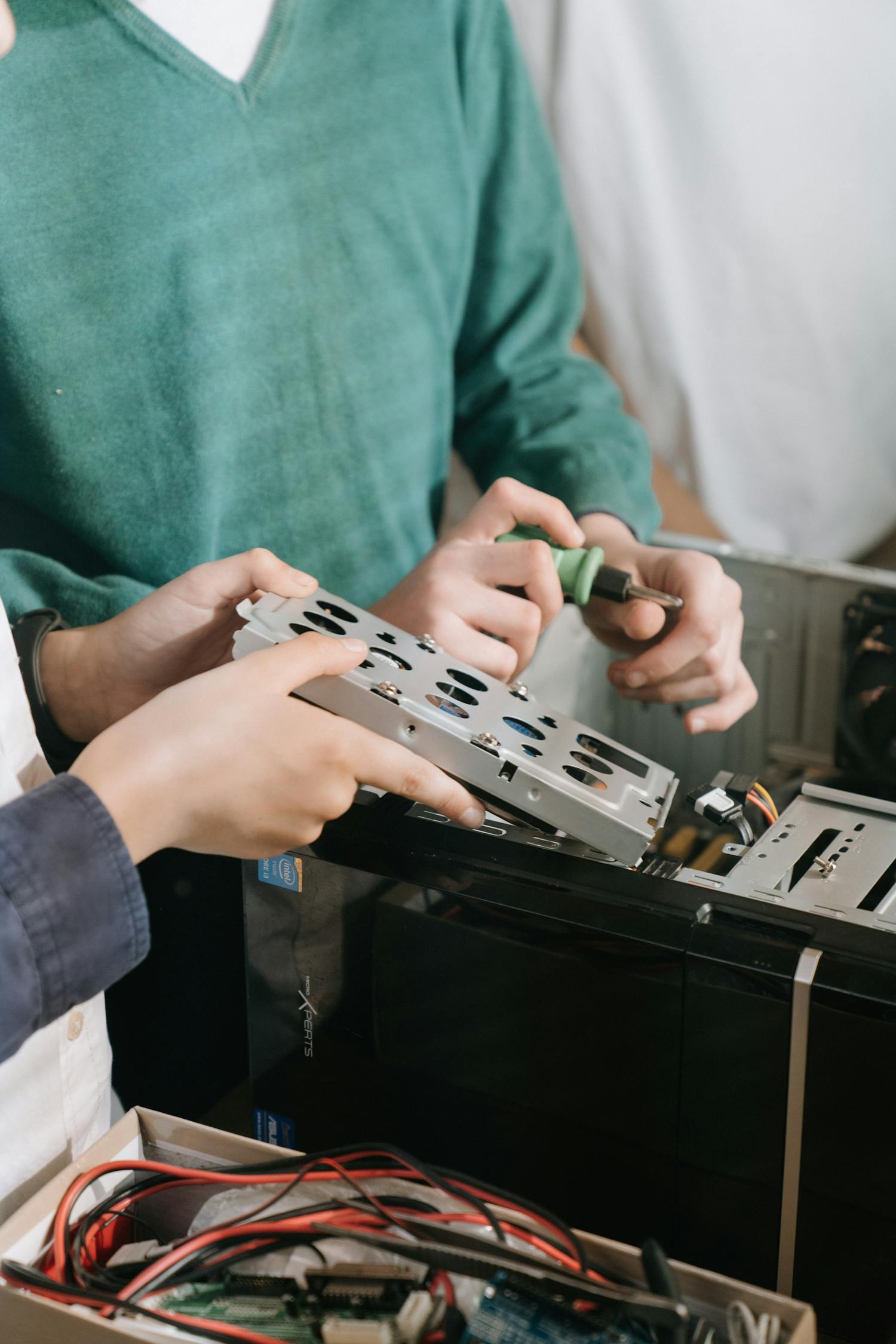
Safety first! Learn the essential protocols for handling sensitive electronics and avoiding static discharge.
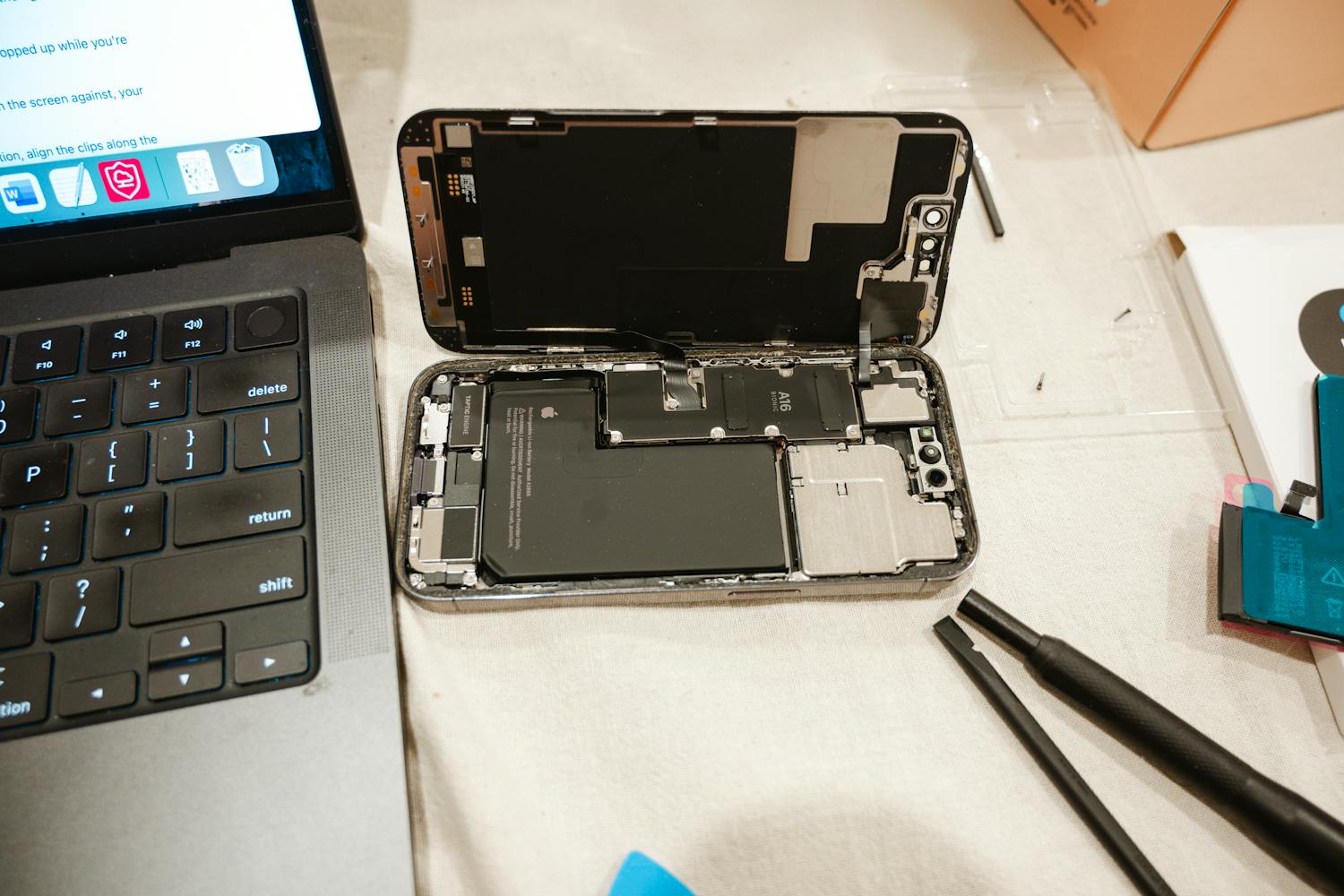
We crunch the numbers on professional repair costs versus the DIY approach. The savings might surprise you.
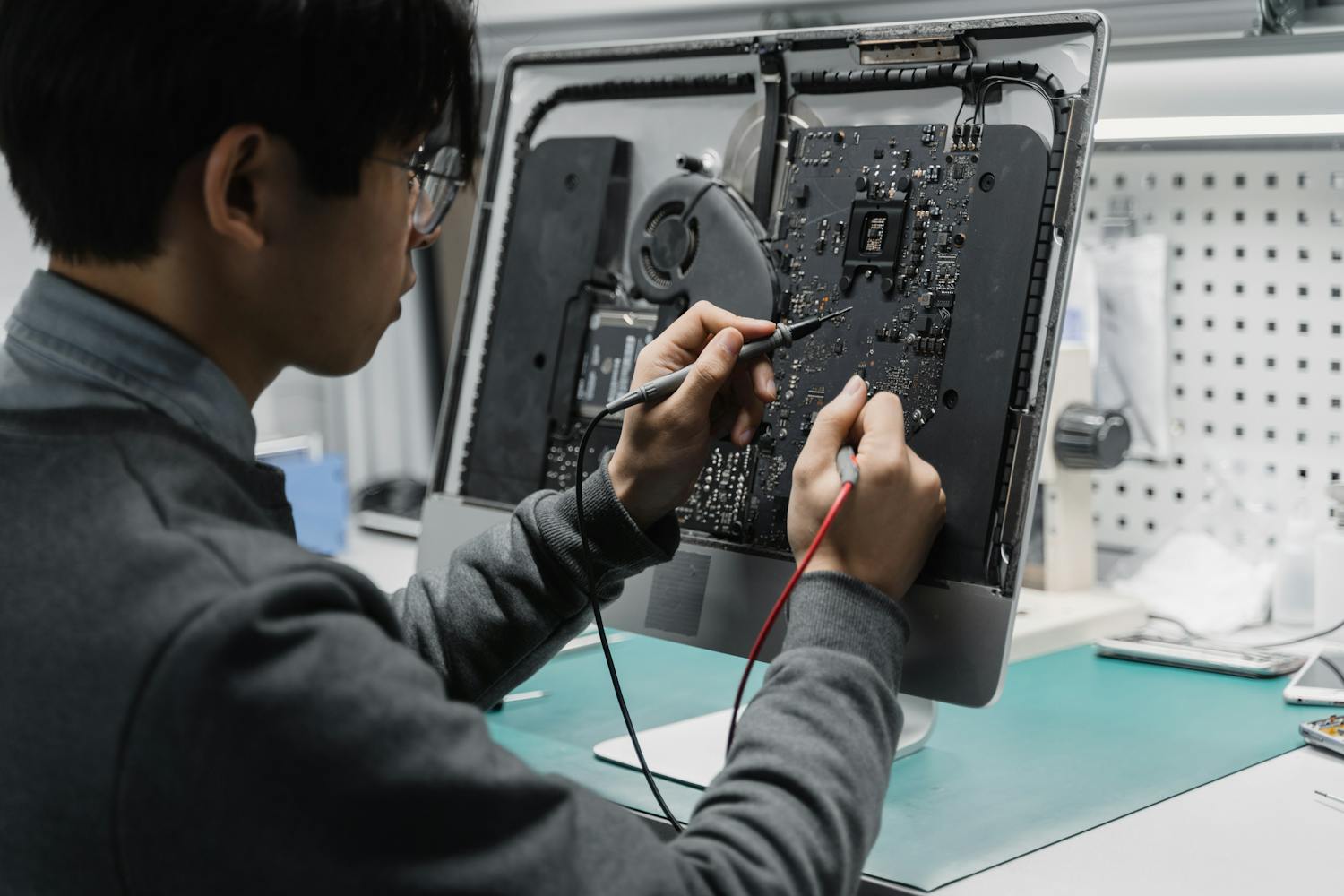
Don't buy everything at once. Here is our curated list of the must-have tools for your first successful repair.